
Resources

Brochures
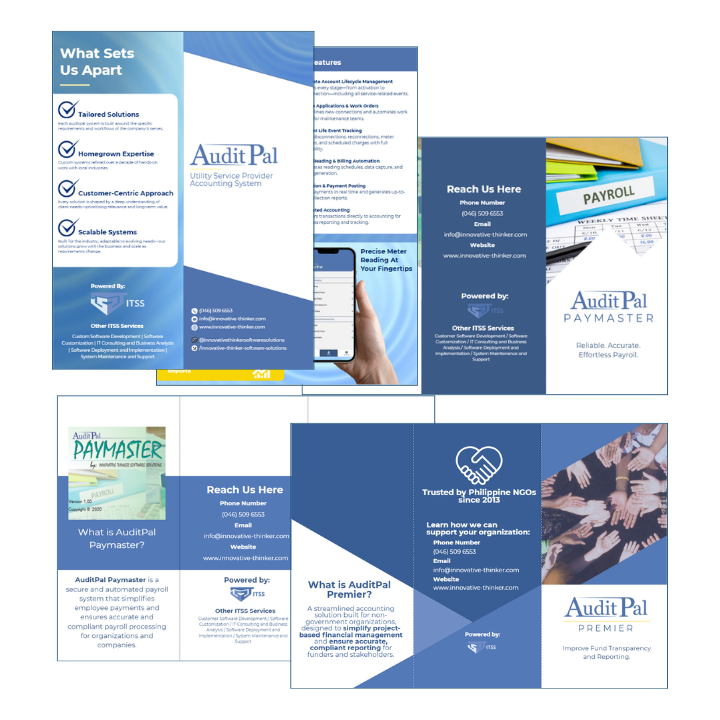
AuditPal Brochures
ITSS Brochures
No resources found.
Frequently Asked Question
Who can use AuditPal?
AuditPal is suitable for internal audit teams, compliance officers, NGO administrators, and organizations seeking efficient and transparent audit processes. It can be tailored for different sectors, including nonprofit and microfinance operations.
What are the key features of AuditPal?
- Automated audit workflows
- Customizable checklists and templates
- Real-time dashboards and reporting
- Audit scheduling and reminders
- Risk tracking and compliance monitoring
- Detailed audit trail for accountability
Can AuditPal be customized for specific organizations?
Yes. AuditPal can be configured to match your organization’s audit processes, reporting requirements, and compliance standards, making it suitable for NGOs, MFIs, and other sectors.
How does AuditPal improve efficiency?
By digitizing audit workflows, generating automated reports, and providing real-time dashboards, AuditPal reduces manual work, speeds up data collection, and helps auditors focus on insights rather than paperwork.
Is training required to use AuditPal?
Yes. While the system is user-friendly, AuditPal provides training sessions to help users understand the platform’s features, audit workflows, and reporting tools to maximize its effectiveness.
Can AuditPal integrate with other systems?
AuditPal can integrate with other organizational systems depending on your setup, allowing seamless data import/export and consolidated reporting.
How secure is AuditPal?
AuditPal includes role-based access controls, secure data storage, and audit trails to ensure data confidentiality, integrity, and accountability during all audit processes.
How do we get support if we encounter issues?
AuditPal offers dedicated support channels, including email, help desk, and user guides. Training materials and FAQs are also available to assist users in troubleshooting common issues.